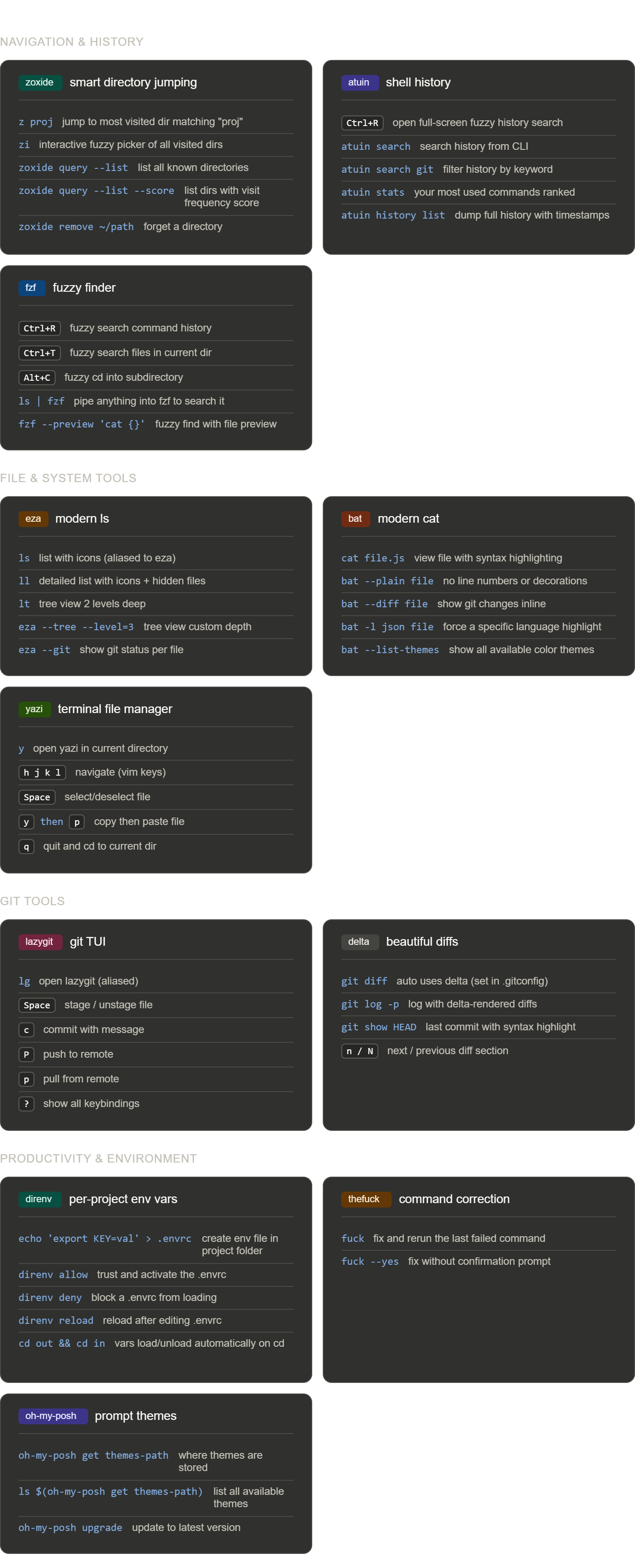
WSL2 Bash power tools
Cheatsheet by Aleksandar Perisic — tools that make the terminal feel modern.
Navigation & history
zoxide — smart directory jumping
| Command | Description |
|---|---|
z proj | Jump to most visited dir matching proj |
zi | Interactive fuzzy picker of all visited dirs |
zoxide query --list | List all known directories |
zoxide query --list --score | List dirs with visit frequency score |
zoxide remove ~/path | Forget a directory |
atuin — shell history
| Command | Description |
|---|---|
Ctrl+R | Full-screen fuzzy history search |
atuin search | Search history from CLI |
atuin search git | Filter history by keyword |
atuin stats | Most used commands ranked |
atuin history list | Full history with timestamps |
fzf — fuzzy finder
| Command | Description |
|---|---|
Ctrl+R | Fuzzy search command history |
Ctrl+T | Fuzzy search files in current dir |
Alt+C | Fuzzy cd into subdirectory |
ls | fzf | Pipe anything into fzf |
fzf --preview 'cat {}' | Fuzzy find with file preview |
File & system tools
eza — modern ls
| Command | Description |
|---|---|
ls | List with icons (aliased to eza) |
ll | Detailed list with icons + hidden files |
lt | Tree view 2 levels deep |
eza --tree --level=3 | Tree view custom depth |
eza --git | Show git status per file |
bat — modern cat
| Command | Description |
|---|---|
cat file.js | View file with syntax highlighting |
bat --plain file | No line numbers or decorations |
bat --diff file | Show git changes inline |
bat -l json file | Force a specific language highlight |
bat --list-themes | Show available color themes |
yazi — terminal file manager
| Command | Description |
|---|---|
y | Open yazi in current directory |
h j k l | Navigate (vim keys) |
Space | Select / deselect file |
y then p | Copy then paste file |
q | Quit and cd to current dir |
Git tools
lazygit — git TUI
| Command | Description |
|---|---|
lg | Open lazygit (aliased) |
Space | Stage / unstage file |
c | Commit with message |
P | Push to remote |
p | Pull from remote |
? | Show all keybindings |
delta — beautiful diffs
| Command | Description |
|---|---|
git diff | Auto uses delta (set in .gitconfig) |
git log -p | Log with delta-rendered diffs |
git show HEAD | Last commit with syntax highlight |
n / N | Next / previous diff section |
Productivity & environment
direnv — per-project env vars
| Command | Description |
|---|---|
echo 'export KEY=val' > .envrc | Create env file in project folder |
direnv allow | Trust and activate the .envrc |
direnv deny | Block a .envrc from loading |
direnv reload | Reload after editing .envrc |
cd out && cd in | Vars load/unload automatically on cd |
thefuck — command correction
| Command | Description |
|---|---|
fuck | Fix and rerun the last failed command |
fuck --yes | Fix without confirmation prompt |
oh-my-posh — prompt themes
| Command | Description |
|---|---|
oh-my-posh get themes-path | Where themes are stored |
ls $(oh-my-posh get themes-path) | List all available themes |
oh-my-posh upgrade | Update to latest version |
Tips
ziis the fastest way to jump around once zoxide has learned your habitslgreplaces most day-to-day git commands — press?inside for keybindings- Put API keys in a project-root
.envrc— direnv loads/unloads them automatically - Keep project files under
~/not/mnt/c/— git across the Windows filesystem boundary is slow